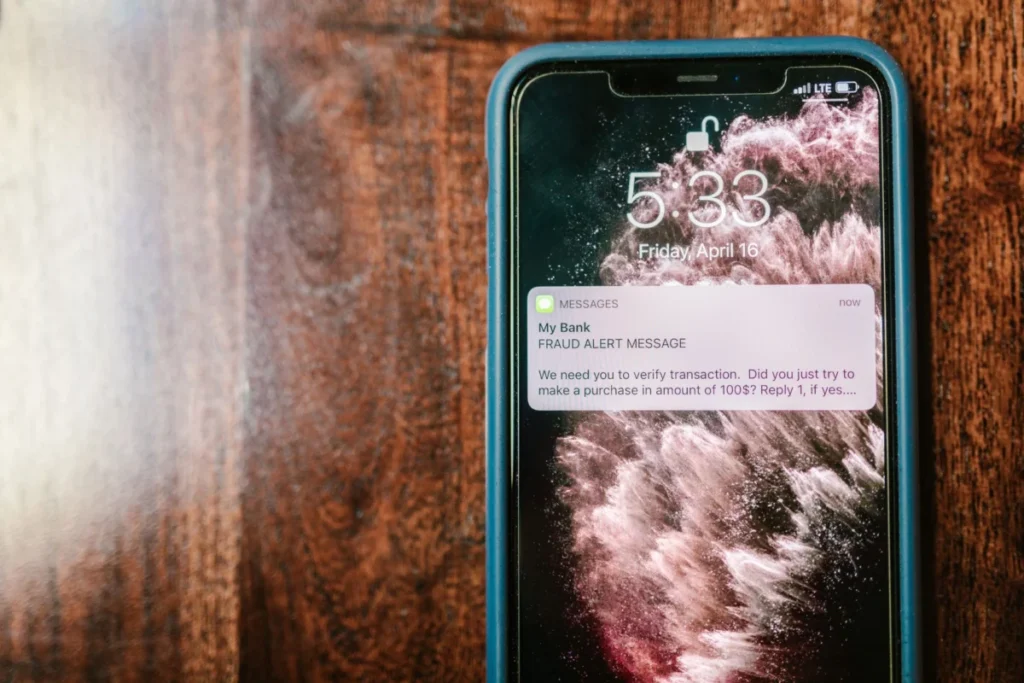
Short answer: an Apple Pay scam text is a message that claims an unauthorized Apple Pay charge or a locked Apple Pay account and pushes you to tap a link or call a number. Do not tap or call. Apple’s own scam guidance, published June 15, 2026, names “unauthorized charges using Apple Pay” as an example of the tactic, and the FTC’s guidance says legitimate companies will not text a link to update your payment information.
Check your real charges in the Wallet app, contact your bank using a number you already trust, and report the message. This guide sets out what Apple and the FTC say, step by step, including what to do if you already tapped.
Table of Contents
What an Apple Pay scam text tries to do
These messages follow a script that the FTC has described for years. According to its guidance on phishing, scammers claim there is a problem with your account or your payment information when there is not, and they say they have noticed suspicious activity or log-in attempts that they have not. The message gives you a way to deal with the problem, which is almost always a link or a phone number. The link leads to a page built to collect your Apple Account password, your card number or a one-time code, and the number leads to someone who wants the same things.
Apple describes a related version in its guidance on social engineering. It says scammers may claim they have “made unauthorized charges using Apple Pay” and then offer to “help you stop the attacker or reverse the charges”. The page says scammers try to create a strong sense of urgency, and that Apple never asks for codes or passwords to provide support. Apple also says it will never ask you to disable any security feature. In other words, a message that demands a fast reaction and asks for exactly those things matches the pattern Apple warns about.
Why an Apple Pay scam text can feel convincing
Three features are common in these messages: an official-sounding claim, a plausible-looking charge, and an instruction to act now that takes away the time you would need to think. None of that proves anything. The FTC’s advice for any message about an account problem is to contact the company using a phone number or website you know is real, not the one in the message. Apple’s advice is the same in different words: contact Apple through its official support channels, not through a message or call that came to you.
How to check an Apple Pay scam text against your real charges
You do not need the message to find out whether Apple Pay was used. Apple’s support page on transaction history, published September 14, 2026, explains that you can see your Apple Pay transactions in the Wallet app on an iPhone and tap a transaction to see more details or report an issue.
The same page adds two points worth remembering. For the most accurate record of your transactions, it says to contact your card issuer, and for a question about a charge made using Apple Pay, it says to contact your bank or card issuer. The card issuer, not a text message, is the authority on what was charged.
Use the phone number printed on the back of your card, or the number in your bank’s official app. Do not use a number from the text, and do not search for one in a way that could lead to a lookalike site.
What to do, in order
- Do not tap the link or call the number. The FTC says to avoid clicking links in a suspicious text and that legitimate companies will not ask for account information by text.
- Check Wallet and your bank. Look at your transaction history, and call your card issuer on a number you already trust if anything looks wrong.
- Report the text. The FTC says to copy the message and forward it to 7726 (SPAM), to report it in your messaging app, and to report it at ReportFraud.ftc.gov. In Messages, Apple says to tap Report Junk under the message. Apple also says to take a screenshot of a suspicious SMS and email it to reportphishing@apple.com.
- Delete the message. The FTC’s phishing guidance says to report the message and then delete it.
- Tell the people around you. Family members who are less used to these messages may be less wary, and a quick warning costs nothing.
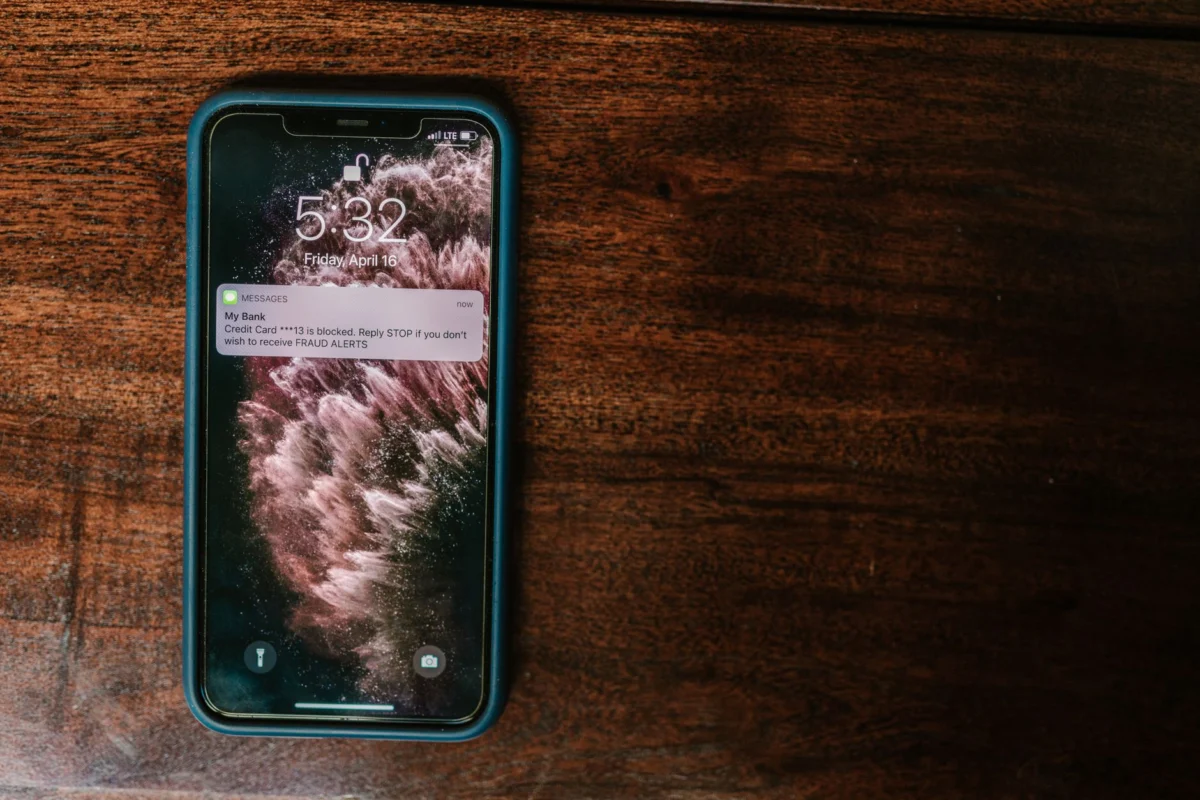
If you tapped a link in an Apple Pay scam text
It happens to careful people, and the steps depend on what you gave away. The table matches each situation with the advice from the sources we read.
| What happened | What the sources say to do |
|---|---|
| You opened the link but entered nothing | Close the page and report the message. Apple advises against following links in suspicious messages, and nothing in the guidance describes further steps if you only looked. |
| You may have entered your Apple Account password | Apple says to change your Apple Account password immediately and to make sure two-factor authentication is on. |
| You entered a card number or other payment details | Contact your bank or card issuer, as Apple advises for any Apple Pay charge question. If you gave a Social Security, credit card or bank account number, the FTC points you to IdentityTheft.gov. |
| Something downloaded after you tapped | The FTC says to update your computer’s security software and run a scan. |
Speed matters, so do the first step now and sort out the details afterwards. We are not describing a recovery service here, and none of these pages promises that every case can be reversed. What they do establish is who to contact: your bank or card issuer for charges, Apple for your Apple Account, and the FTC for reports and identity theft recovery.
How to make the next Apple Pay scam text less dangerous
You cannot stop the texts from arriving, but you can limit what a successful one is worth. A unique password for every account, kept in a password manager, means a stolen password opens one door and not ten. Two-factor authentication means the password alone is not enough. Keeping your phone updated is basic hygiene, and our guide to antivirus apps for iPhone explains what security software can and cannot do on iOS.
The same advice applies to every other message that tries to hurry you. We have covered the package delivery text scam, the habits in how to avoid phishing scams and the signs in our guide to spotting a phishing email. The FTC’s consumer alerts show how many costumes the same scam wears. Its list of phishing alerts includes a text about expiring reward points, dated April 7, 2026, and one about a traffic violation, dated April 14, 2026. The brand changes and the script stays the same.
What we did not check
We read Apple’s support pages and the FTC’s consumer guidance. We could not open the FCC’s pages on robotexts, which refused our connection, and we did not read FBI material. Apple’s transaction-history page does not mention purchase notifications, so we make no claim about when or how Apple Pay alerts you. We have not tested any call-blocking or text-filtering feature, and we cannot tell you which carrier tools work best.
An Apple Pay scam text works by rushing you into a reaction, so the best defence is to slow down and check the charge in your own banking app. If an Apple Pay scam text reached you, delete it, report it, and do not use any link or number it contains.
Frequently asked questions
Does Apple send texts about unauthorized Apple Pay charges?
Nothing in the Apple pages we read says that it does. Apple’s guidance says to contact your bank or card issuer about a charge made with Apple Pay, and to contact Apple through its official support channels rather than through a message that came to you.
Where do I forward a scam text in the US?
The FTC says to copy the message and forward it to 7726 (SPAM), report it in the messaging app, and report it at ReportFraud.ftc.gov. For a suspicious SMS, Apple also says to email a screenshot to reportphishing@apple.com.
Should I reply to the text with STOP?
The sources we read do not recommend replying. The FTC’s advice is to avoid clicking links, report the message and delete it. Reporting and deleting is the route the FTC describes.
What if I gave my password to a fake page?
Apple says to change your Apple Account password immediately and to check that two-factor authentication is on. If you also entered payment details, contact your bank or card issuer straight away.
Is every Apple Pay scam text fake?
A message about an Apple Pay charge is not proof of a real charge. Check your banking app or Apple account directly instead of using a link or number in the message.
Sources
- Apple Support: Recognize and avoid social engineering schemes including phishing messages, phony support calls, and other scams (June 15, 2026)
- Apple Support: See your Apple Pay transaction history (September 14, 2026)
- FTC Consumer Advice: How to recognize and report spam text messages (July 2022)
- FTC Consumer Advice: How to recognize and avoid phishing scams (September 2022)
- FTC Consumer Advice: phishing scams alerts