


A VPN kill switch blocks all internet traffic on your device the instant your VPN tunnel drops — stopping your real IP address, unencrypted traffic, or DNS requests from leaking onto the network before the VPN reconnects. It’s one of the few VPN features that’s a genuine must-have rather than marketing fluff, and real academic research has found it makes a measurable, real-world difference in preventing traffic leaks — while also finding, somewhat surprisingly, that it isn’t foolproof everywhere it’s advertised. Here’s what a VPN kill switch actually does, which providers really have one, what the research shows about what happens without it, and a limitation most reviews skip entirely: how mobile operating systems can quietly weaken it.

Table of Contents
What a VPN Kill Switch Actually Does
Every VPN connection can drop — a Wi-Fi hiccup, a server-side issue, switching networks. Without a kill switch, the moment that tunnel drops, your device typically falls back to your normal, unencrypted internet connection automatically, often without any visible warning. That means your real IP address and unencrypted traffic are exposed for however long it takes you to notice and reconnect. A kill switch prevents exactly that by cutting all internet access (or access for specific apps) until the VPN tunnel is back up.
The Problem It Solves
Think of what happens on a train: your VPN connects over Wi-Fi, the train enters a tunnel, the Wi-Fi drops for ten seconds, and your operating system silently reconnects to the train’s own network — unencrypted — while your VPN app is still trying to catch up. In that ten-second window, without a kill switch, every request your device makes (DNS lookups, background app syncs, whatever page you’re loading) goes out in the clear. A kill switch closes that window entirely by refusing to let any traffic out until the tunnel is confirmed back up.
App-Level vs. System-Level Kill Switch
There’s an important technical distinction worth knowing: an app-level kill switch only monitors the VPN app’s own connection state, while a true system-level (OS-level) kill switch integrates directly with your operating system’s firewall — blocking traffic at a deeper level that’s harder to bypass. NordVPN’s own documentation, for example, explicitly distinguishes an “Internet Kill Switch” (system-wide) from an “App Kill Switch” (specific named apps only). Mullvad and Proton VPN’s Advanced Kill Switch go further still, hooking directly into the OS firewall itself (Windows Filtering Platform on Windows, nftables on VPN for Linux, PF on macOS) — meaning the block happens below the VPN app, at the same layer the operating system itself uses to route traffic.

Which VPN Providers Actually Have a Kill Switch
We checked each major provider’s own support documentation directly — all of them publish a real kill switch feature, but the implementation details differ enough to matter.
NordVPN: Two Separate Switches
NordVPN splits the feature into an Internet Kill Switch (system-wide, blocks everything) and an App Kill Switch (only the specific apps you select). On desktop, neither is enabled by default — you have to turn it on yourself in settings. On iOS, it’s always active and can’t be disabled, which is a stronger default than most competitors offer on that platform.
ExpressVPN: Network Lock
ExpressVPN calls its version “Network Lock,” and it’s on by default across Windows, Mac, and Linux — you’d have to go out of your way to turn it off. On the router app specifically, it can’t be disabled at all, which matters if you’re running ExpressVPN at the router level to protect every device on your network at once.
Surfshark: Soft vs. Strict Mode
Surfshark offers two distinct behaviors. “Soft” mode only cuts your connection on an unexpected drop. “Strict” mode is more aggressive: it blocks all internet access anytime the VPN isn’t actively connected — including if you manually disconnect — which is the right choice if you never want to accidentally browse unprotected, even on purpose.
Private Internet Access: Advanced Kill Switch
PIA‘s standard kill switch is on by default. Its Windows-only “Advanced Kill Switch” goes a step further: it requires an active VPN connection for any internet access at all, and keeps enforcing that even when the PIA app itself is closed — useful if you want a hard guarantee that this specific machine simply cannot reach the internet unprotected, full stop.
CyberGhost, Proton VPN, and Mullvad
CyberGhost ships its kill switch on by default across Windows, macOS, iOS, and Android, though on Android it isn’t user-configurable — you get what’s given. Proton VPN offers both a standard kill switch and an Advanced/Permanent version on Windows and Linux that blocks internet access even through a deliberate manual disconnect and persists across a reboot. Mullvad takes the most rigid approach of any provider here: its kill switch is always on and simply cannot be disabled, integrated directly into the OS firewall from the moment you click Connect.
| Provider | Default State | Strongest Mode |
|---|---|---|
| NordVPN | Off (desktop) / Always-on (iOS) | Internet Kill Switch (system-wide) |
| ExpressVPN | On by default | Network Lock, can’t disable on router app |
| Surfshark | Configurable | Strict mode (blocks even manual disconnect) |
| Private Internet Access | On by default | Advanced Kill Switch (Windows, works even with app closed) |
| CyberGhost | On by default | Fixed on Android, not configurable |
| Proton VPN | Configurable | Advanced/Permanent (persists across reboot) |
| Mullvad | Always on | Cannot be disabled, OS firewall-level |
What Academic Research Actually Found
The 2022 NDSS VPNInspector Study
“VPNInspector: Systematic Investigation of the VPN Ecosystem” (Reethika Ramesh, Leonid Evdokimov, Diwen Xue, Roya Ensafi — University of Michigan), presented at NDSS Symposium 2022, is real, peer-reviewed research on exactly this problem. Key findings:
- 10 VPN providers tested leaked traffic even in their most secure configuration.
- 6 of those providers leaked data even with the kill switch enabled — the single most important finding for this topic: a kill switch is a real protection, but the researchers found it isn’t foolproof across every implementation they tested.
- 26 providers leaked traffic generally during a tunnel failure; researchers were the first to detect DNS leaks specifically during tunnel failure, found in 8 providers.
- 5 providers leaked IPv6 traffic directly to the ISP — a specific and often-overlooked gap, since a kill switch tuned only for IPv4 can miss IPv6 traffic entirely if the system has IPv6 enabled.
What This Means for You
The paper doesn’t name every specific provider tied to each failure in its public summary, so we won’t guess which ones — but the research is a real, citable reason to treat “has a kill switch” as a meaningful factor, not a guarantee on its own. It’s also a reason to prefer providers with independent security audits, which is one of the criteria in our VPN comparison, and to specifically check whether IPv6 leak protection is mentioned alongside kill switch marketing — many providers bundle both, but not all.
Kill Switch Limits on Mobile Operating Systems
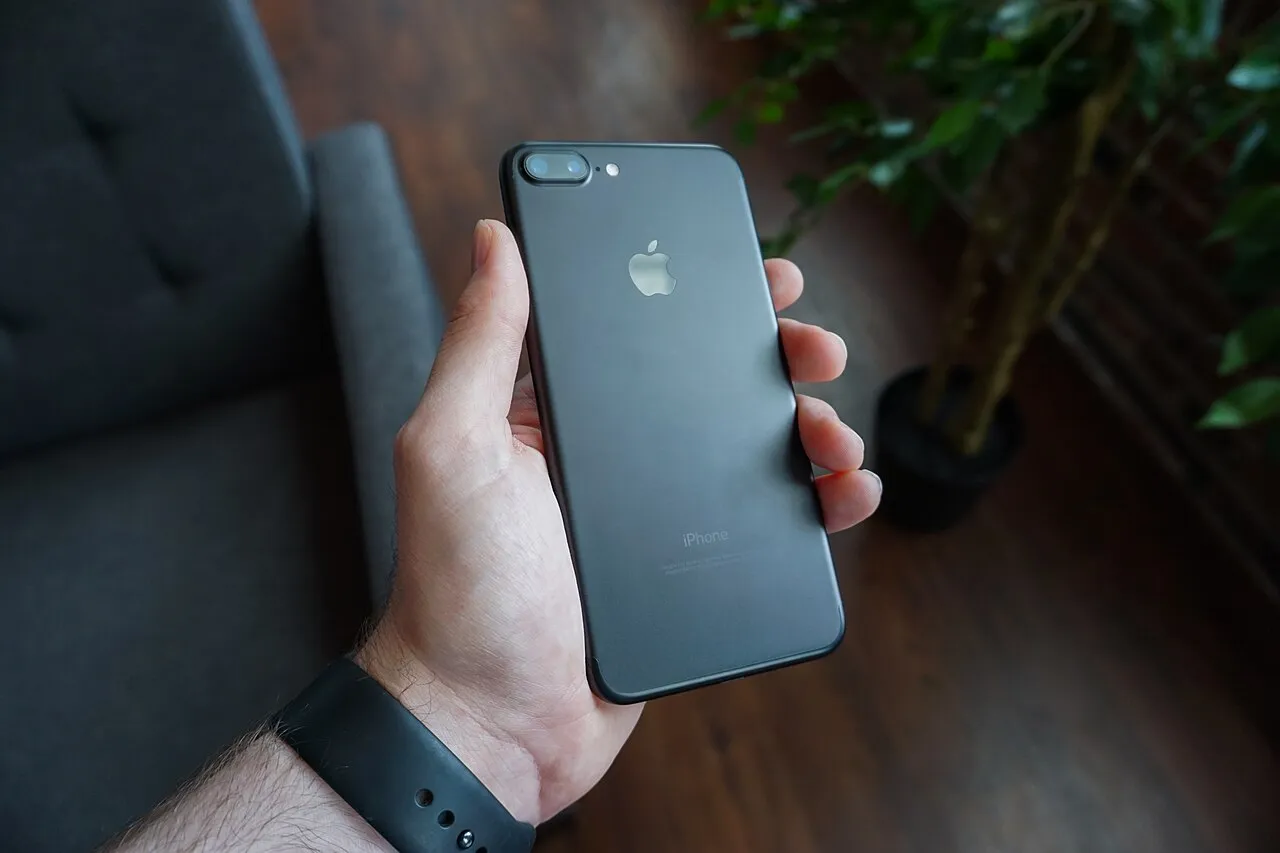
This is a real, vendor-documented limitation that most kill switch explainers skip entirely: both iOS and Android actively restrict what background apps — including your VPN — are allowed to do, and that restriction can degrade kill switch reliability without any warning.
iOS: Background App Refresh
Apple’s Background App Refresh system can interrupt a VPN app’s ability to maintain its tunnel-monitoring process while it’s not the app you’re actively looking at. If this is disabled — globally or just for your VPN app specifically — the app may not notice a dropped tunnel as quickly, weakening the kill switch’s real-world reliability even though the feature is technically “on.” The fix is checking Settings → General → Background App Refresh and confirming both the global toggle and your VPN app’s individual toggle are enabled.
Android: Doze Mode and Battery Optimization
Android’s Doze Mode and its per-app battery-optimization system restrict background network access for apps the OS decides are idle or low-priority — and a VPN app sitting quietly in the background is exactly the kind of app this system targets. That can kill or restart the VPN’s background process outright.
Proton VPN’s own support documentation directly addresses this exact problem, walking Android users through disabling battery optimization specifically for the VPN app so the OS stops interrupting it. (Proton VPN Support) If your provider doesn’t have an equivalent guide, the general fix is the same: find your VPN app under battery settings and exempt it from optimization.
Kill Switch vs. “Always-On VPN”: Two Different Things
On Android specifically, there’s a second, OS-level feature that’s easy to confuse with a VPN app’s own kill switch: Android’s built-in “Always-on VPN” setting, found under Settings → Network & Internet → VPN → (gear icon next to your VPN app) → Always-on VPN, with a separate “Block connections without VPN” checkbox. This is the operating system itself enforcing the block, independent of whatever kill switch toggle exists inside the VPN app.
The two can overlap or even conflict — some users report needing to enable Android’s own “Block connections without VPN” alongside the app’s kill switch to get consistent protection, since the app-level switch alone is still subject to the battery-optimization interruptions covered above. If your VPN app supports it, enabling both the app’s kill switch and Android’s system-level “Always-on VPN” with blocking is the most strong combination available on that platform. iOS doesn’t expose an equivalent system-wide always-on toggle to regular users outside of supervised/managed-device configurations, which is part of why iOS VPN apps lean more heavily on their own in-app kill switch implementation.
How to Check Your VPN Kill Switch Is Actually Working
- Turn it on manually if it’s not enabled by default — several providers above ship with it off on desktop.
- Test it directly: connect to the VPN, then manually disable your Wi-Fi or unplug your ethernet cable briefly, and check whether your apps lose internet access entirely rather than silently falling back to your normal connection.
- Prefer “Strict”/”Advanced” modes where available (Surfshark, PIA, Proton) if you want protection even against a deliberate manual disconnect, not just unexpected drops.
- On mobile, exempt your VPN app from battery optimization (Android) and confirm Background App Refresh is on (iOS) — otherwise the kill switch may simply react too slowly to matter.
- Pair it with a protocol you trust — see our VPN protocols guide for how WireGuard, OpenVPN, and IKEv2 actually differ.
VPN Kill Switch: Frequently Asked Questions
Do I really need a VPN kill switch?
If you use a VPN specifically for privacy or security reasons (not just streaming access), yes — without one, a dropped connection silently exposes your real IP and traffic, and the 2022 University of Michigan research found this is a real, measured risk across multiple providers.
Does a VPN kill switch slow down my connection?
No — a kill switch only activates when the VPN tunnel itself drops. It has no effect on your speed while the VPN is connected normally.
Is a kill switch the same on every VPN?
No. As shown above, implementations range from a basic app-level toggle to a full OS-firewall-level lock (Mullvad, Proton’s Advanced mode) — and the 2022 NDSS research found even kill-switch-enabled configurations can leak in some implementations, so it’s not an absolute guarantee regardless of provider.
Does a VPN kill switch work reliably on my phone?
Not always as reliably as on desktop — iOS’s Background App Refresh restrictions and Android’s Doze Mode/battery optimization can both interrupt a VPN app’s ability to detect a dropped tunnel quickly. Exempting your VPN app from these restrictions, as Proton VPN’s own support docs explain, meaningfully improves reliability.
Can I test if my VPN kill switch works?
Yes — connect to your VPN, then disable your device’s Wi-Fi or network adapter briefly and check whether your apps lose all internet access rather than silently reconnecting to your unprotected connection.
What’s the difference between a kill switch and Android’s “Always-on VPN” setting?
A kill switch is a feature inside the VPN app itself; “Always-on VPN” is a separate, OS-level setting built into Android that enforces blocking independently of the app. Enabling both, where supported, gives the most reliable protection on that platform.
Related Guides
- Best VPN of 2026: Honest Comparison of 9 Providers
- VPN Protocols Explained: The Real Difference (2026 Guide)
- Is Public Wi-Fi Safe? The Honest Security Guide
- Best Cheap VPN Deals of 2026
Related Articles
Need to turn off your VPN entirely? See our guide on How to Disable VPN Settings on Any Device for step-by-step instructions across all devices.