
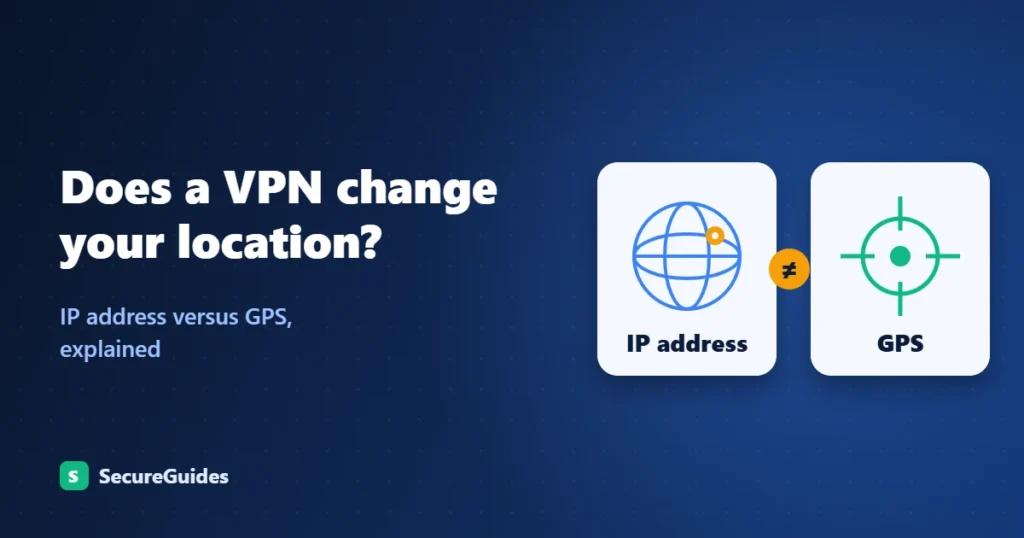

Short answer: Does a VPN change your location? Partly. A VPN changes the location that websites infer from your IP address, because they see the VPN server’s address instead of yours. It does not change your device’s GPS, and it does not stop a browser or app from reading a location you gave it permission to use.
Does a VPN change your location? Three kinds to tell apart
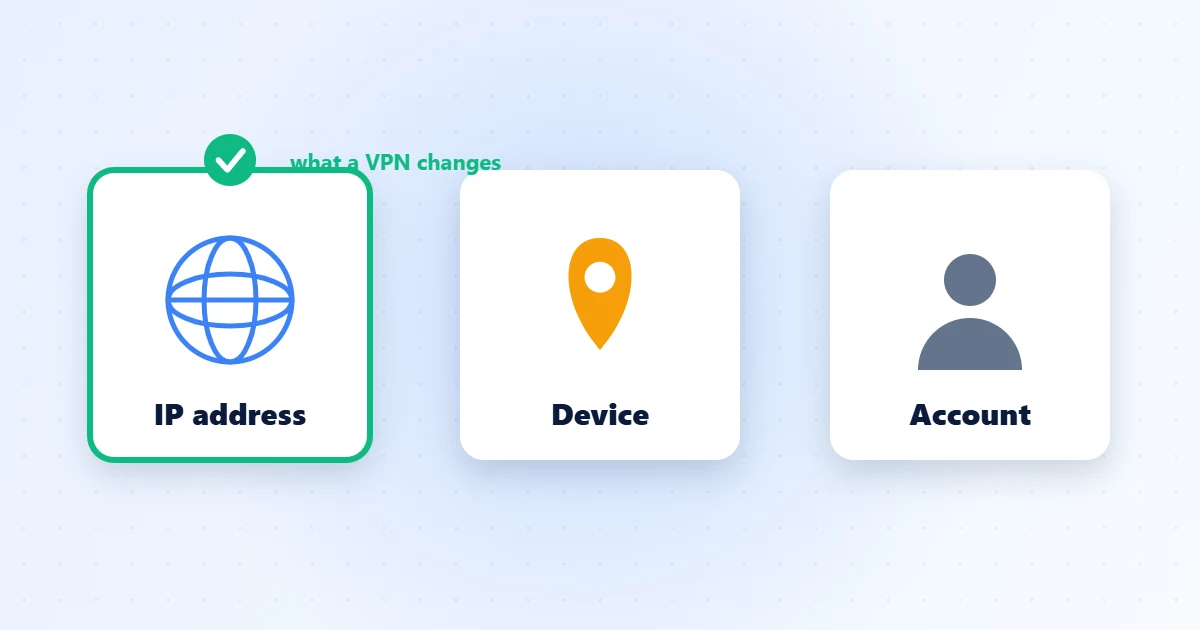
When a site or app says it knows where you are, the answer can come from three places, and a VPN only touches one of them.
- Your IP address. Sites look it up in a database that maps addresses to regions.
- Your device. A browser or app can ask the device for its position, which it works out from GPS, nearby Wi-Fi networks or other signals.
- Your account. Your billing country, your delivery address and your language settings say something about you whatever IP you use.
What a VPN changes: the IP-based location
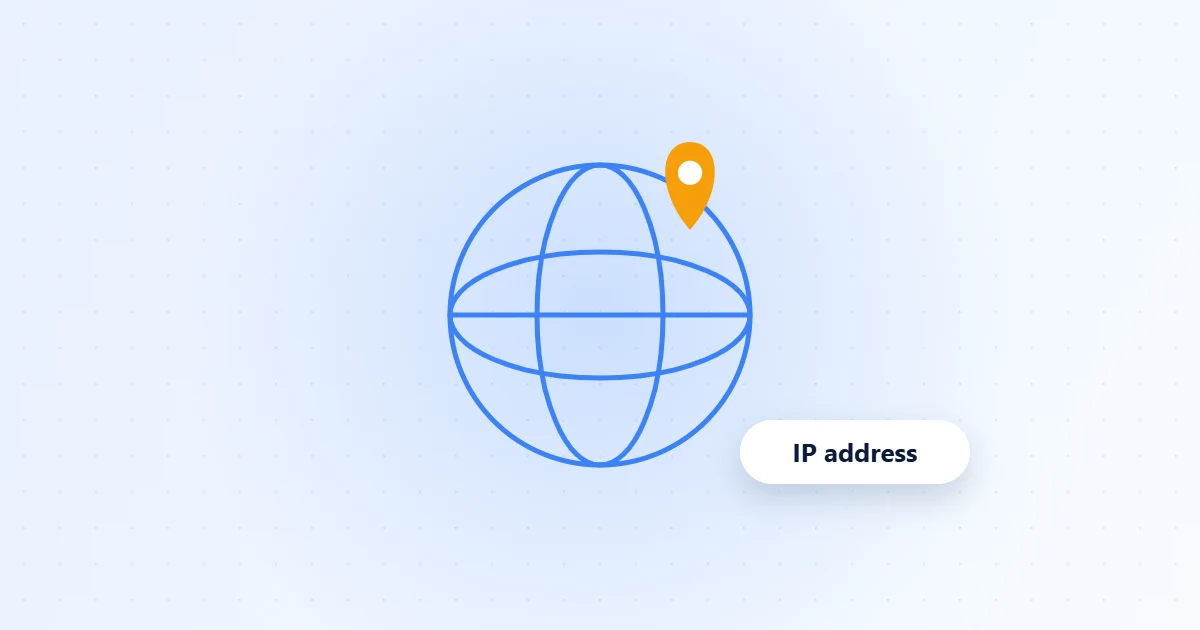
With a VPN on, the sites you visit see the address of the VPN server. If that server is in Paris, an IP lookup says Paris. That is the mechanism behind most region-locked content and country-based pricing.
IP geolocation was never exact to begin with. The data provider MaxMind says its data is “never precise enough to identify or locate a specific household”, and it describes results as a likely area rather than a point. It also notes that when someone is behind a VPN, it can place the VPN server but not the person using it.
What a VPN does not change: your device’s location
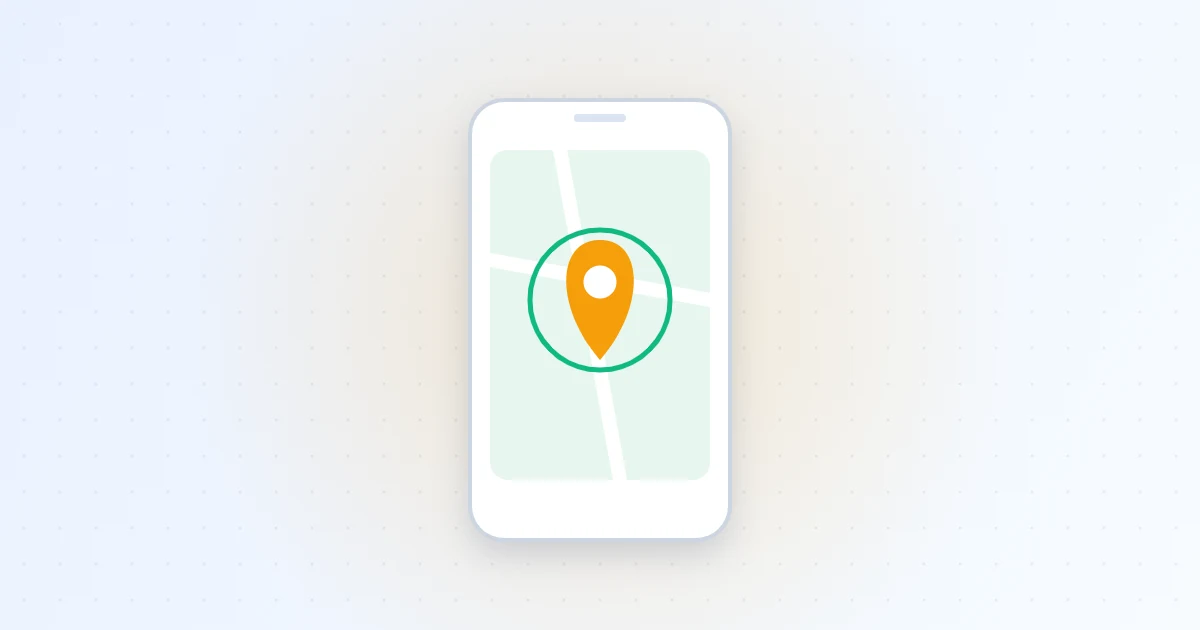
Browsers can ask the device where it is. The Geolocation API documentation from MDN says the user is asked for permission first, and that the browser then uses the best available functionality on the device, GPS for example. The same documentation mentions Wi-Fi-based locating as a common method.
None of that goes through your VPN’s server address. If a map app, a ride-hailing app or a website with location permission asks the device, it gets the device’s answer. That is why you can sit behind a Paris server and still see your own street in a maps app.
When the IP and the device disagree
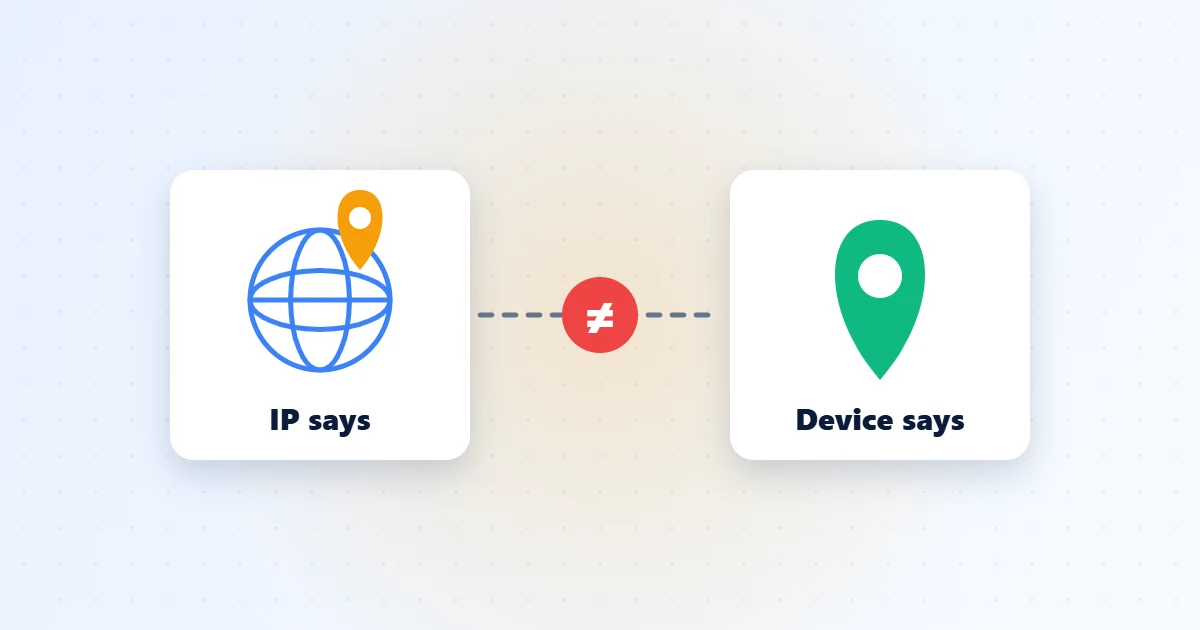
A site that sees an IP in one country and a device position in another may notice the mismatch. Some services also block known VPN addresses outright. If a service blocks you, our guide to VPN blocks and detection explains how that works and what the limits are. Streaming services can also treat the use of a VPN to reach another country’s catalogue as a terms-of-service issue, which our Netflix guide covers.
Other ways your real location can leak
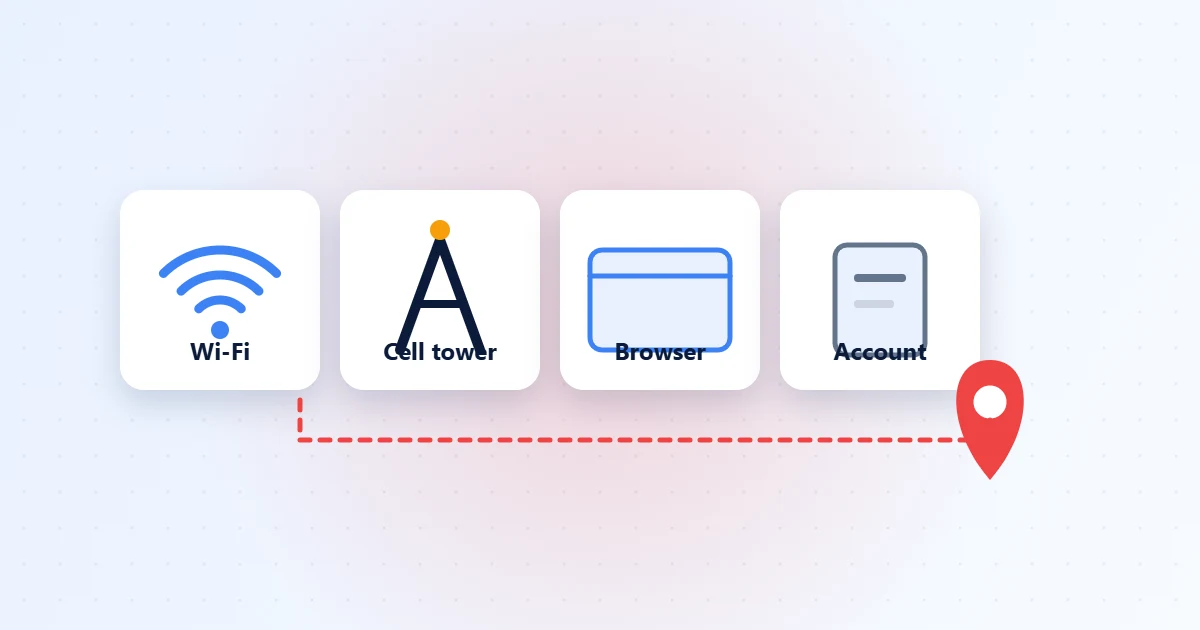
A VPN only helps if all the relevant traffic goes through it. A DNS leak can send your lookups to your internet provider’s resolver, which reveals your real network. Free DNS leak test tools compared explains how to check. Cookies, a logged-in account and the language your browser reports can also point to where you are, with or without a VPN.
How to see what a site sees
- Connect to the VPN server you want and wait for the app to say it is connected.
- Open an IP lookup page and check the country and city it reports.
- Run a DNS leak test and confirm the results show the VPN’s resolvers, not your provider’s.
- Look at your browser’s location permissions and remove any site that should not have access.
How to change your VPN location in an app
Most apps work the same way. Open the app, pick a country or city from the server list, and connect. Then repeat the check above. Some apps also let you choose a specific server, which is useful if one server in a country is blocked and another is not.
Can a VPN fake your GPS?
A standard VPN cannot. Some providers say they offer a separate feature to override GPS on certain platforms. We have not tested any of them, and they are not part of what a normal VPN does. If you need to control your device’s location, the place to do it is the device’s own location settings and permissions.
Frequently asked questions
Does a VPN hide my location?
It hides the location your IP address would reveal. It does not hide a location you share through browser or app permissions.
Can websites still find my location with a VPN on?
Yes, if you allow location access or if your traffic leaks outside the tunnel. Account details such as a billing address also remain visible to the service you use.
Is IP-based location accurate?
Not to street level. MaxMind says its data cannot identify a specific household or street address, and that accuracy varies by country and by type of connection.
Is it legal to change your location with a VPN?
Using a VPN is legal in many countries and restricted in others, and a service can still forbid it in its terms. Check local law and the terms of the service you want to use. Our VPN comparison lists providers and how we source what we say about them.