

Two-factor authentication is the single highest-value security habit you can adopt for any account that supports it — real research from both Microsoft and Google backs this up with actual numbers, not marketing claims. But not all two-factor authentication methods are equally strong, a real, documented 2023 breach shows exactly how the weakest method (SMS codes) can still be bypassed, and a newer standard — passkeys — is starting to replace the whole category. Here’s what the research actually shows, which method to use, and where the technology is headed next.
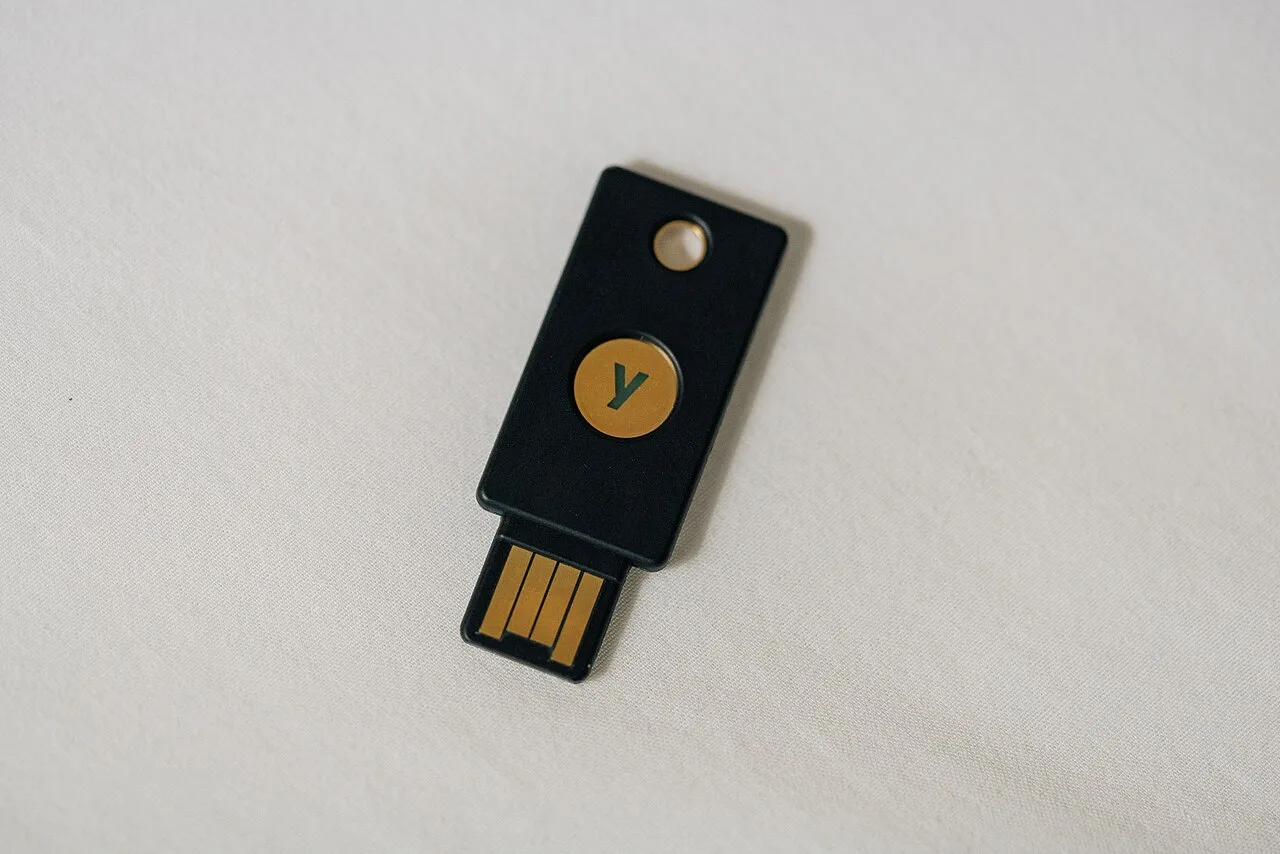
Table of Contents
Why Two-Factor Authentication Matters: The Real Numbers
Microsoft’s Figure
Microsoft’s own security team published a direct, often-cited figure: enabling MFA makes your account “more than 99.9% less likely to be compromised.” (Microsoft Security Blog, August 2019) It’s one of the most-repeated statistics in security writing, and for good reason — it comes directly from a company with visibility into billions of real sign-in attempts across its own identity platform, not a survey or a marketing estimate from a smaller vendor with a narrower dataset.
Google’s 2019 Study: Not Every Method Is Equal
Google ran an independent, peer-reviewed study with NYU and UC San Diego, presented at The Web Conference in May 2019. The results, broken down by attack type, are genuinely nuanced — this is the study that first showed clearly that not every 2FA method performs the same:
- Adding a recovery phone number / SMS code blocked 100% of automated bot attacks, 96% of bulk phishing attacks, but only 76% of targeted attacks.
- A physical security key blocked 100% across all three categories, including targeted attacks. (Google Security Blog, May 2019)
Google’s 2022 Follow-Up: The Real-World Gap
A 2022 Google follow-up, after auto-enrolling over 150 million users in 2-Step Verification and requiring it for 2 million+ YouTube creators, reported a 50% decrease in account compromise among those users — a smaller figure than the 2019 targeted-attack number, likely because most auto-enrolled users default to SMS rather than a security key. (Google, Feb 2022) The gap between the 2019 lab study’s 100% figure and the 2022 real-world 50% figure is itself informative: the theoretical best case and the average real-world outcome aren’t the same thing, largely because of which specific method people actually end up using.
Not All Two-Factor Authentication Methods Are Equal
SMS / Text Codes
Better than nothing, and per Google’s data above, it blocks nearly all automated and bulk attacks. But it’s the weakest method against a determined, targeted attacker, since it depends entirely on your phone carrier’s network — a network that can itself be compromised or manipulated, independent of anything you do.
TOTP Authenticator Apps
Apps like Google Authenticator and Authy generate codes locally on your device, making them immune to SIM-swap interception — a real step up from SMS. But they’re still not bound to a specific website the way a hardware key is, so they remain vulnerable to real-time phishing relay attacks, exactly the technique used in the Reddit breach covered below.
Hardware Security Keys (FIDO2/WebAuthn)
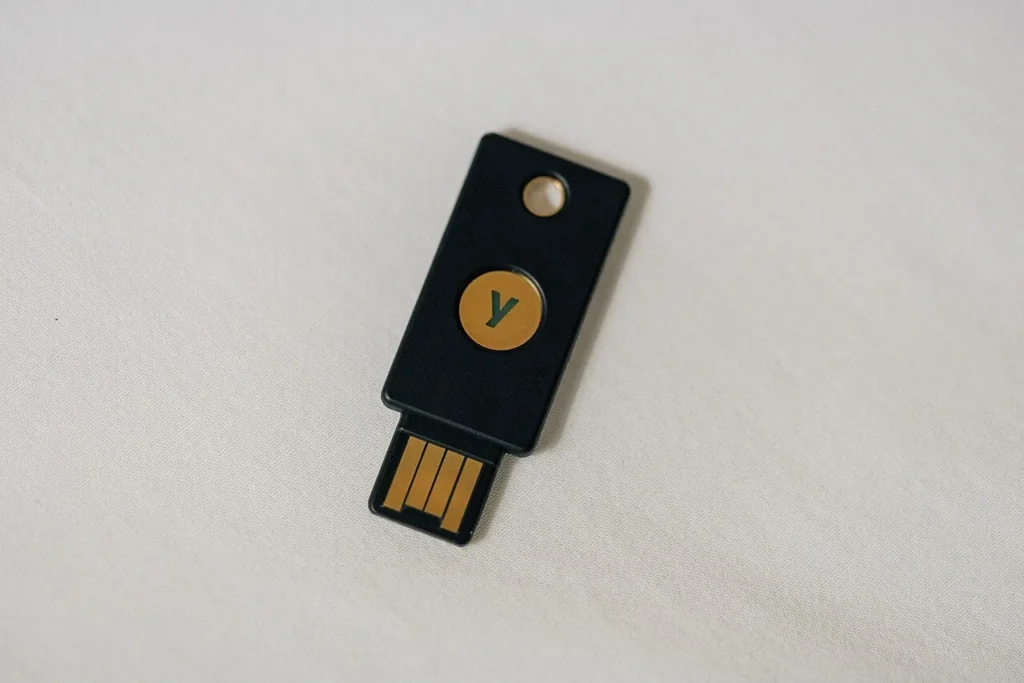
Recognized by NIST as meeting the highest authenticator assurance level, and called “the gold standard” for phishing-resistant authentication by CISA. (CISA Phishing-Resistant Authenticator Playbook) The key mechanism: the cryptographic signature is bound to the specific website domain, so a phishing site on a different domain simply cannot get a valid response — even if the user is fooled, the technology isn’t.
NIST’s Current Guidance
SMS as a “Restricted Authenticator”
NIST’s current authenticator guidance (SP 800-63B-4, finalized July 2025) formally classifies SMS/PSTN one-time codes as a “Restricted Authenticator” — a new, explicit category. This doesn’t mean SMS 2FA is banned or useless, but it does mean NIST now requires organizations using it to formally assess and mitigate its known risks (SIM-swap, number porting, device theft). (NIST SP 800-63B-4)
Why One-Time Backup Codes Beat a Backup Password
NIST’s guidance also covers account recovery, and includes a real, practical insight worth knowing: it explicitly cautions against using a second memorized secret (a backup password) as a recovery method, because a user who has forgotten their primary password is statistically likely to have also forgotten a rarely-used backup password. Printed, one-time-use recovery codes — the kind most services generate when you first enable 2FA — don’t have that problem, since they’re written down once and used exactly once. Save them somewhere durable (ideally your password manager’s secure notes) the moment you enable 2FA on any account, not after you’ve already lost access to your primary method.
Passkeys: The Passwordless Evolution of 2FA
What a Passkey Actually Is
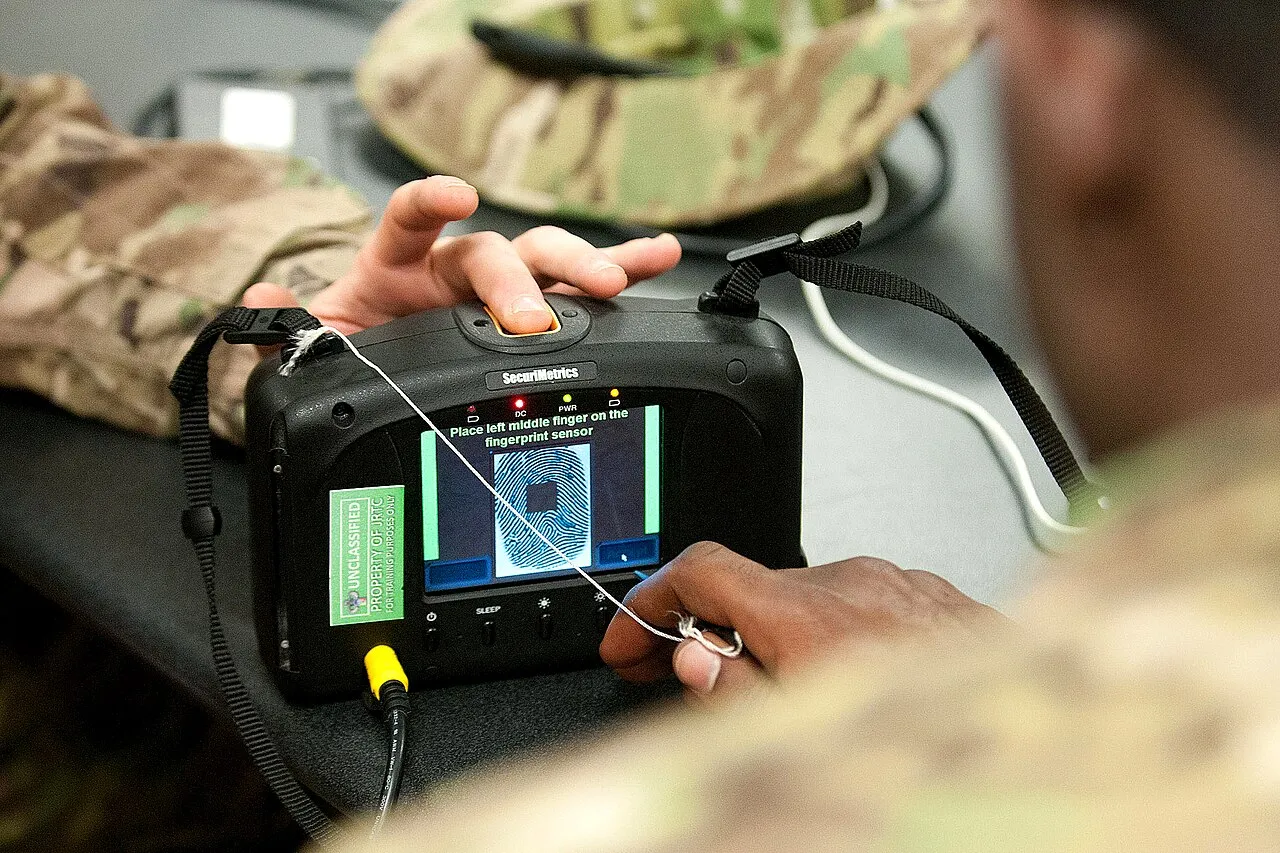
A passkey is a FIDO2/WebAuthn public-key credential pair: the private key stays on your device (often hardware-backed, like your phone’s secure enclave), and the public key is registered with the service. Logging in becomes a cryptographic challenge-response instead of typing a shared secret — which means there’s no password to phish in the first place, and no separate “second factor” to bolt on afterward, since the device-bound key and (usually) a biometric unlock effectively combine both factors into one step.
Adoption Timeline
This isn’t a niche or experimental standard. On May 5, 2022, Apple, Google, and Microsoft jointly announced expanded support for the FIDO Alliance/W3C passwordless passkey standard. (Apple Newsroom, May 2022) About a year later, on May 3, 2023, Google rolled out passkeys to Google Account users globally. (TechCrunch, May 2023) The FIDO Alliance itself — the standards body behind the technology — maintains the authoritative resource on how passkeys work across platforms. (FIDO Alliance) If a service you use offers passkeys as an option, it’s worth switching — you get hardware-key-level phishing resistance without needing to buy or carry a separate physical key.
How to Actually Enable a Passkey
Most major services that support passkeys put the option in the same place you’d manage a password: account security settings, usually labeled “Passkeys,” “Sign in with a passkey,” or sometimes still “Security keys” if the rollout is incomplete. Setting one up typically means confirming your current password one last time, then registering your device’s biometric unlock (fingerprint or face) or a physical security key as the new passkey. You can generally register more than one — for example, your phone and a laptop separately — so losing one device doesn’t lock you out, provided you’ve also saved backup codes as covered above.
Real Cases Where SMS-Based 2FA Was Bypassed
Reddit, February 2023
An employee was phished via a fake site cloning Reddit’s internal login page. The site was an adversary-in-the-middle (AiTM) proxy that captured the employee’s password and live MFA token simultaneously, relaying both to Reddit’s real login before the token expired — bypassing 2FA even though it was enabled, because the attack stole an active session rather than trying to guess or replay an expired code. (TechCrunch, Feb 2023)
Twilio, August 2022
Attackers phished Twilio employees, then used that access to pivot into roughly 163 Twilio customer accounts — including Signal (exposing ~1,900 users’ phone-number re-registration) and Okta (whose SMS one-time-passcodes were exposed via Twilio’s own SMS infrastructure). A clear real-world example of SMS 2FA’s dependency on third-party carrier/messaging infrastructure that can itself be compromised. (TechCrunch, Aug 2022)
Notice both cases involved phishing, not brute-force guessing — which is exactly why domain-bound hardware keys and passkeys (immune to this specific attack) are the strongest options, and why a password manager’s domain-matching autofill is a genuinely useful complementary layer against the same attack pattern.
Accounts People Forget to Protect
Most 2FA advice focuses on email and banking, which are the right starting points — but a few other account types are just as valuable to an attacker, get far less attention in most guides, and are frequently skipped entirely by people who otherwise consider themselves security-conscious.
Domain Registrar and DNS Accounts
If you own a website, your domain registrar account controls where that domain actually points. An attacker who compromises it can redirect your entire site, intercept email sent to your domain, or issue fraudulent SSL certificates in your name — and because most people log into a registrar rarely, a compromise here can go unnoticed for a long time. This is exactly the kind of account NIST’s “high-value target” framing has in mind, even though it rarely appears on consumer-facing 2FA checklists — most people simply don’t think of their registrar as a security-critical account the way they think of email or banking, right up until it is.
Cloud Storage and Backup Accounts
Google Drive, iCloud, Dropbox, and similar services frequently hold years of accumulated personal documents, photos, and — easy to forget — old exported password lists or scanned IDs from years ago. A single compromised cloud account can expose far more personal material than any individual site login would, simply because of how much accumulates there unnoticed over years of routine, automatic backups.
Cryptocurrency Exchange Accounts
If you hold any cryptocurrency on an exchange, that account deserves the strongest available authentication method, not the default. Crypto transactions are typically irreversible once confirmed, which removes the usual safety net (a bank’s fraud department or a card issuer’s chargeback process) that exists for traditional financial fraud — making a hardware key or passkey a meaningfully higher priority here than on an account where a fraudulent transaction could still be reversed through a dispute process.
How to Actually Set Up Two-Factor Authentication
- Start with your email and password manager — these are the highest-value accounts to protect, since a compromised email often lets an attacker reset every other account’s password.
- Prefer a passkey or hardware key over an authenticator app, and an authenticator app over SMS, whenever the service gives you the choice.
- Save your backup/recovery codes as one-time codes, not a memorized backup password, somewhere secure (ideally in your password manager) when you first enable 2FA — per NIST’s own reasoning above, this is meaningfully more reliable than a backup password you’re likely to forget right alongside the primary one.
- Enable it on financial accounts first, then email, then any account with stored payment information — see our VPN for online banking guide for the broader picture on protecting financial accounts.
Two-Factor Authentication: Frequently Asked Questions
Is SMS two-factor authentication still worth using?
Yes, if it’s your only option — Google’s own research found it blocks 96% of bulk phishing and 100% of automated bot attacks. It’s just the weakest option against a targeted, determined attacker, per NIST’s current “Restricted Authenticator” classification.
What’s the strongest form of two-factor authentication?
A FIDO2/WebAuthn hardware security key or a passkey, per both NIST and CISA — hardware keys blocked 100% of attacks including targeted phishing in Google’s 2019 study, because the cryptographic signature is bound to the real website’s exact domain.
What’s the difference between a passkey and regular two-factor authentication?
Traditional 2FA is a password plus a separate second step (a code or key). A passkey replaces the password entirely with a device-bound cryptographic credential, often combined with a biometric unlock — collapsing both factors into a single, phishing-resistant step.
Can two-factor authentication be bypassed?
Yes, for SMS and authenticator-app codes specifically — the real 2023 Reddit breach used a live phishing relay (AiTM) to steal an active session in real time. Hardware security keys and passkeys are specifically designed to resist this exact attack.
What should I do first when setting up two-factor authentication?
Start with your email and password manager, since they’re the accounts that can be used to reset everything else, and save your backup codes as one-time codes somewhere secure before you need them.
What accounts do people forget to secure with two-factor authentication?
Domain registrar and DNS accounts, cloud storage/backup accounts, and cryptocurrency exchange accounts are frequently overlooked despite being high-value targets — a compromised registrar account can redirect an entire website, and crypto transactions are typically irreversible once confirmed.
Can I use more than one passkey on the same account?
Yes — most services let you register multiple passkeys, such as your phone and a laptop separately, so losing access to one device doesn’t lock you out, as long as you’ve also saved backup recovery codes.
Related Guides
- Best Password Managers of 2026: Honest Comparison
- How to Spot and Avoid Phishing Scams
- VPN for Online Banking and Shopping
- Is Public Wi-Fi Safe? The Honest Security Guide
- Is Gmail Hacked? What’s Actually True
- AI Voice Cloning Scams: How to Protect Your Family