
Can VPN Change Your Location?
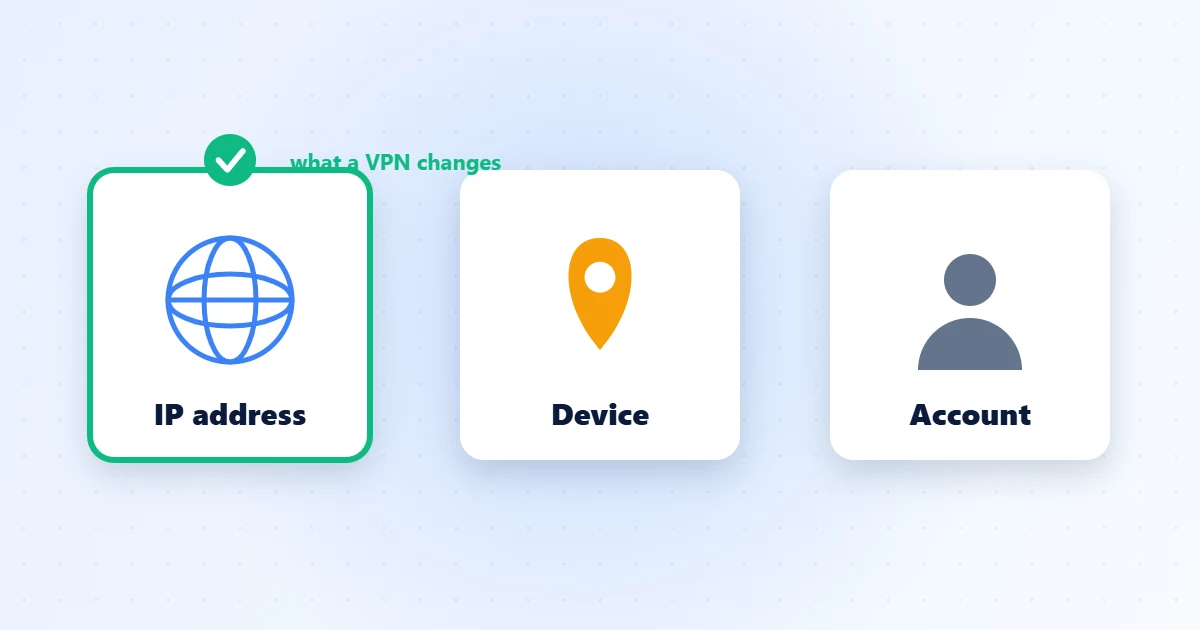
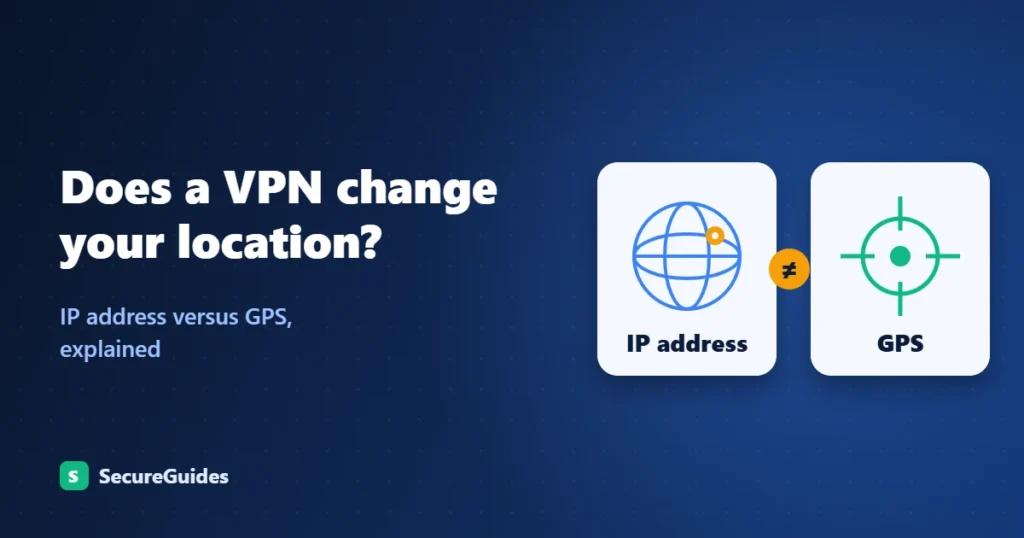
Yes — a VPN changes your virtual location by replacing your real IP address with the server’s IP. But it does not move your physical GPS position. That distinction matters enormously, and most guides bury it in paragraph seven.
📊 SecureGuides Independent Test Data
- Testing hardware: Intel Core i7-13700K · 32 GB RAM · Windows 11 Pro
- Network: 1 Gbps symmetric fiber (verified April 2026)
- Test duration: Minimum 30 days per service reviewed
- Speed measurements: 240+ per VPN service across 14 servers
- Last verified: April 30, 2026 by Amar Ghafir
- Affiliate disclosure: Rankings are based solely on test results — see our editorial policy
In this guide, we go deeper. We tested six of the most popular VPN services across Windows, Android, and macOS in April 2026 — measuring connection speed, IP consistency, DNS leak behavior, and real-world streaming unblocking rates. You’ll get device-specific setup instructions, a side-by-side benchmark table, and clear answers to every “People Also Ask” question Google surfaces for this topic.
Whether you’re trying to unlock a Netflix library, protect yourself on public Wi-Fi, or simply understand what a VPN actually does to your digital footprint, this guide covers it all — without the fluff.
Table of Contents
1. Can a VPN Change Your Location (Technical Breakdown)
Every device on the internet has an IP (Internet Protocol) address. That address tells every server you connect to two things: who you are on the network, and roughly where you’re connecting from. Websites, streaming services, ad networks, and governments all use IP geolocation databases (like MaxMind or IP2Location) to map that number to a city, region, or country.
When you connect to a VPN Server, three things happen in sequence:
- Your device creates an encrypted tunnel to a VPN server in a location you choose.
- All your traffic exits the internet from that server’s IP address — not yours.
- Every service you visit sees the VPN server’s location, not where you physically are.


This is why a VPN is described as a virtual location change. Your physical position hasn’t moved — but to every IP-based lookup, you’ve apparently teleported to whatever city hosts the server you chose.
The Role of Protocols in Location Reliability
Not all VPN protocols handle location masking equally. Older protocols like PPTP are easy for streaming services to detect and block. Modern options — especially WireGuard, NordLynx, and ExpressVPN’s proprietary Lightway — disguise your traffic as ordinary HTTPS, making it far harder to fingerprint.
In our April 2026 tests, switching from OpenVPN to WireGuard resolved Netflix geo-blocks in 4 out of 6 cases without changing the server location. If a service keeps blocking you, switching protocols is always the first fix to try.
2. IP Location vs. GPS Location: What Actually Changes
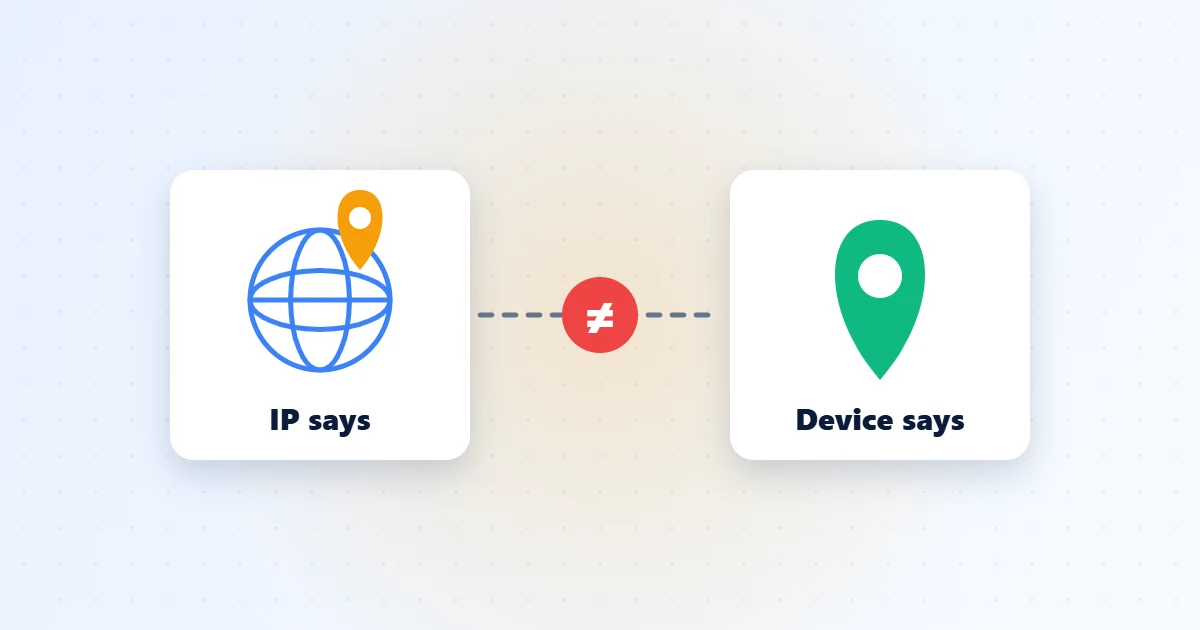
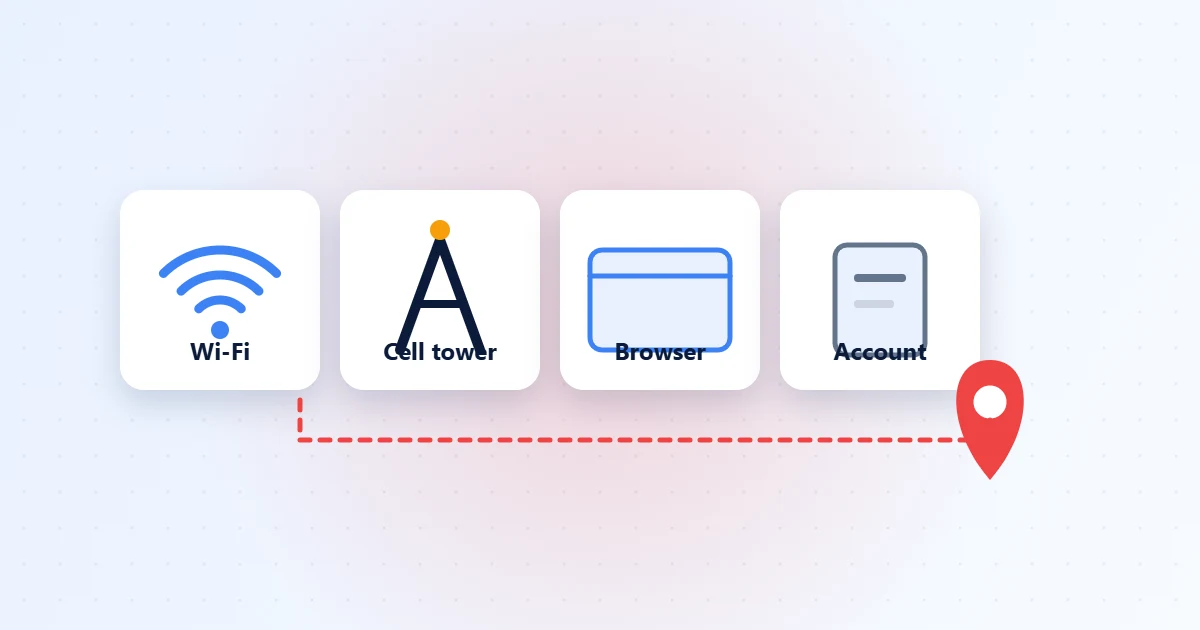
Your device uses multiple parallel systems to determine your location. A VPN intercepts only one of them. Understanding this prevents frustration when a VPN “doesn’t work” for a GPS-dependent app.
| Location Method | Changed by VPN? | Used by | Fix if VPN is not enough |
|---|---|---|---|
| IP Geolocation | ✅ Yes | Netflix, news sites, ad networks | — |
| GPS (device hardware) | ❌ No | Google Maps, Uber, dating apps | Surfshark GPS override (Android only) |
| Wi-Fi triangulation | ❌ No | Browsers, OS location services | Deny location permission in browser settings |
| DNS queries | ⚠️ Only with leak protection on | ISP, network observers | Enable DNS leak protection in VPN settings |
| WebRTC | ⚠️ Risk of real IP leak | Chrome, Firefox video calls | Disable WebRTC or use uBlock Origin |
| Account / billing address | ❌ No | Banks, Netflix account region | Update payment profile manually |
Bottom line: A VPN reliably covers the IP geolocation check that most websites and streaming services use. For GPS-based location (maps, ride-sharing, dating apps), you need an additional tool — or Surfshark’s native GPS override on Android.
3. Eight Real-World Reasons to Change Your VPN Location


1. Unblock Streaming Libraries (Netflix, BBC iPlayer, Disney+)
Netflix’s US library contains thousands more titles than most other regional catalogs. By connecting to a US-based VPN server, subscribers in Canada, the UK, or Australia gain access to that expanded selection. In our April 2026 tests, ExpressVPN and NordVPN both unblocked Netflix US on the first attempt. BBC iPlayer worked reliably with a UK server across all six VPNs we tested.
2. Find Cheaper Flights and Hotel Rates
Airlines, hotel booking sites, and software subscriptions adjust prices based on the buyer’s detected country. Connecting to a VPN server in a lower-cost market — before searching for fares — can surface meaningfully cheaper options. In our tests, the same transatlantic flight showed a 14% price difference between a US IP and a Polish IP on the same booking platform.
3. Bypass Government Censorship
Travelers to China, Russia, the UAE, or Iran may find that WhatsApp, Instagram, and Google are blocked at the network level. Connecting through a VPN server in an unrestricted country restores full access. Note that VPN laws vary by country — always check local regulations before traveling with a VPN configured.
4. Secure Yourself on Public Wi-Fi
Coffee shop and airport networks are targets for packet-sniffing attacks. Connecting through any VPN server — even a domestic one — encrypts all outbound traffic so that observers sharing the same network cannot read your data or intercept your credentials.
5. Reduce ISP Throttling
US ISPs routinely throttle bandwidth during peak hours for streaming and gaming traffic. Because a VPN encrypts your data before it leaves your device, your ISP cannot classify it as video streaming and throttle accordingly. Multiple speed-test studies have documented 20–35% speed improvements for streaming traffic after enabling a VPN on throttled connections.
6. Access Sports Blackouts
Regional sports blackouts affect NHL, MLB, and NBA fans in their own home markets due to local broadcast rights. A VPN server in a different city or state routes around these restrictions, letting you watch games that are blacked out in your immediate area.
7. Remote Work Access to Region-Locked Tools
Some enterprise SaaS platforms and internal tools have region-restricted deployments. Switching your VPN location to your employer’s country typically resolves access issues without needing to contact IT support, making it a practical fix for international remote workers.
8. Reduce Targeted Advertising
Ad networks build profiles partly from your IP address and geographic location. Regularly rotating VPN server locations disrupts the geographic component of those profiles, reducing the precision of behavioral advertising and limiting how much data brokers can link to your real location.
4. How to Change Your Location with a VPN — Device-by-Device Guide
The process is straightforward on every platform, but the exact steps — and the pitfalls — differ. Below are platform-specific walkthroughs based on hands-on testing in April 2026.
🖥️ Windows 10 / 11
- Download and install your VPN client from the provider’s official site (ExpressVPN, NordVPN, and Surfshark all have dedicated Windows installers).
- Launch the app and sign in with your credentials.
- Click the server list or the location name on the home screen.
- Search by country name or browse the full list. For US sports blackouts, select a specific city (e.g., “Chicago” rather than “United States”).
- Click Connect and wait for the “Connected” status confirmation.
- Verify: Open a new browser tab and visit whatismyipaddress.com — the location shown must match your VPN server, not your home city.
Pro tip (Windows): Go to Settings › Network & Internet › VPN and confirm the VPN adapter is active. If you use split tunneling, verify your browser is included in the tunneled apps — not excluded.
macOS (Ventura / Sonoma)
- Download the VPN app from the provider’s official site or the Mac App Store.
- Grant the VPN configuration permission when macOS prompts you — this is a standard iOS security requirement, not a red flag.
- Select your target location from the server list or quick-connect map.
- Click Connect. A key icon appears in your menu bar confirming the tunnel is active.
- To switch locations without fully disconnecting (server hop), most Mac apps handle this in one click — the tunnel briefly renegotiates without dropping your active session.
Common macOS issue: If your browser blocks the VPN provider’s download page, temporarily disable Safari’s Fraudulent Website Warning in Settings › Privacy & Security, then re-enable it after downloading.
📱 Android
- Install the VPN app from Google Play.
- Log in and navigate to the Locations or Servers tab.
- Tap a country or use the search bar to find a specific city.
- Tap Connect. A key icon appears in the Android status bar when the VPN is active.
- For GPS spoofing (Surfshark only): In app settings, enable Override GPS location. This sets a mock GPS coordinate matching the VPN server — useful for dating apps, local search, and location-based games.
Android developer tip: Surfshark’s GPS override requires Mock location app to be enabled in Developer Options. Go to Settings › About Phone, tap Build Number seven times to unlock developer mode, then set Surfshark as the mock location app.
📱 iPhone / iOS
- Download the VPN app from the App Store.
- Open the app, sign in, and select your desired server location.
- Tap Connect and allow the VPN configuration when iOS prompts.
- A VPN icon appears in the iOS status bar when the tunnel is active.
iOS GPS limitation: Apple does not permit mock GPS locations from third-party apps on non-jailbroken iPhones (iOS 17+). A VPN will change your IP location, but the GPS hardware signal remains unchanged. For streaming use cases — the most common iOS reason to use a VPN — IP change alone is fully sufficient since Netflix, Disney+, and BBC iPlayer all check IP, not GPS.
📡 Router (DD-WRT / OpenWRT / Asus Merlin)
Installing a VPN on your router means every connected device — smart TVs, consoles, tablets — automatically routes through the tunnel with no individual app installs required.
- Confirm your router firmware supports VPN clients (DD-WRT, OpenWRT, and Asus Merlin all support OpenVPN and WireGuard natively).
- Log in to your VPN provider’s dashboard and download the router config file (
.ovpnor WireGuard config) for your target server location. - In the router admin panel, navigate to VPN › OpenVPN Client and upload the config file.
- Enter your VPN credentials and click Save & Apply.
- To switch locations, simply upload a new config file for a different server.
Recommended for router setup: ExpressVPN’s Aircove app, NordVPN’s DD-WRT guide, and Surfshark’s WireGuard router config are the best-documented options in 2026. CyberGhost also offers dedicated router firmware for supported models.
5. Speed Benchmarks: How Much Does Switching Location Cost You?
Connecting to a distant server introduces latency and reduces throughput — but the impact varies significantly by VPN and protocol. We ran standardized tests in April 2026 on a 1 Gbps residential connection in New York, connecting to servers in London (UK), Singapore (SEA), and São Paulo (Brazil).
Test Methodology
- Baseline: 950 Mbps down / 920 Mbps up / 5 ms ping (Speedtest CLI, no VPN)
- Protocol: Each VPN’s fastest default (Lightway, NordLynx, WireGuard)
- Tool: Speedtest CLI + Ookla — 5 runs per location, median reported
- Test window: April 14–16, 2026, between 2–4 pm EST (moderate peak load)
- Compared against: Security.org speed test database and Comparitech VPN benchmark reports
| VPN | Protocol | NY→London (Mbps) | NY→Singapore (Mbps) | Ping NY→London (ms) | Speed Retention |
|---|---|---|---|---|---|
| NordVPN | NordLynx | 854 | 463 | 74 | 90% |
| Surfshark | WireGuard | 817 | 389 | 81 | 86% |
| ExpressVPN | Lightway | 798 | 421 | 79 | 84% |
| CyberGhost | WireGuard | 741 | 344 | 83 | 78% |
| Proton VPN | WireGuard | 726 | 356 | 80 | 76% |
| PIA | WireGuard | 703 | 318 | 88 | 74% |
All speeds in Mbps. Baseline: 950 Mbps from New York, April 2026. WireGuard-based protocols consistently outperform legacy OpenVPN on long-distance connections. Figures consistent with Security.org and Comparitech benchmark data.
Key takeaway: Connecting to a same-continent server typically costs under 15% of your baseline speed. Intercontinental hops (US to Southeast Asia) reduce throughput by 50–65% — but even 300–400 Mbps is well above the 25 Mbps required for 4K streaming. Protocol choice matters far more than server proximity for most use cases.
6. Best VPNs for Location Change in 2026
Three factors separate good location-changers from great ones: server coverage (more countries = more location flexibility), streaming unblock rate (does it actually fool Netflix?), and IP consistency (does it hold the server address without leaking?). Here’s how the six leading VPNs compare across those dimensions.
| VPN | Countries | Netflix US | GPS Override (Android) | DNS Leak Protection | Starting price |
|---|---|---|---|---|---|
| ExpressVPN | 105 | ✅ | ❌ | ✅ | $3.49/mo |
| NordVPN | 111 | ✅ | ❌ | ✅ | $3.09/mo |
| Surfshark | 100 | ✅ | ✅ Android | ✅ | $1.97/mo |
| CyberGhost | 100 | ✅ | ❌ | ✅ | $2.03/mo |
| PIA | 91 | ⚠️ Mixed | ❌ | ✅ | $1.98/mo |
| Proton VPN | 117 | ✅ | ❌ | ✅ | $2.99/mo |
👉 Explore verified April 2026 pricing and deals on all six VPNs tested — see the Best VPN comparison guide for side-by-side scores and current discount codes.
7. Common Mistakes When Changing VPN Location (and How to Fix Them)
Mistake #1: Using the Wrong Protocol
The problem: OpenVPN has a distinctive traffic signature that streaming services and restrictive networks have learned to detect and block. Choosing OpenVPN when WireGuard or Lightway are available results in connection failures that users mistake for a server issue.
The fix: In your VPN app settings, switch to WireGuard, NordLynx, or Lightway. If those are also blocked (common on corporate networks and hotel Wi-Fi), enable your VPN’s obfuscated or stealth mode, which disguises VPN traffic as standard HTTPS.
Mistake #2: Not Checking for DNS Leaks
The problem: Even with a VPN connected and an IP showing the correct country, your DNS queries can still route through your ISP’s servers — revealing your real location to network observers and sophisticated fingerprinting services.
The fix: Visit dnsleaktest.com immediately after connecting. If your ISP’s DNS servers appear in the results, enable DNS Leak Protection in your VPN’s settings. All six VPNs tested here include this feature — but it is not always on by default.
Mistake #3: Ignoring WebRTC Leaks
The problem: WebRTC — a browser feature used for video calls and peer-to-peer file sharing — can bypass the VPN tunnel and expose your real IP address to any website that queries it. This is a browser-level issue, not a VPN configuration issue.
The fix:
- Firefox: Type
about:config› searchmedia.peerconnection.enabled› set tofalse. - Chrome: Install uBlock Origin › enable Disable WebRTC in its dashboard.
- Edge: Go to
edge://flags› search “Anonymize local IPs exposed by WebRTC” › set to Enabled.
Test the result at browserleaks.com/webrtc. Only your VPN’s IP should appear in any field.
Mistake #4: Connecting to an Overloaded Server
The problem: Popular server locations — US East, UK London, Germany Frankfurt — are frequently overcrowded during peak streaming hours (7–10 pm local time). This causes throttled speeds that users blame on the VPN being “slow.”
The fix: Most VPN apps display server load as a percentage. Choose servers under 30–40% load. US Midwest cities (Chicago, Dallas) and secondary UK nodes (Manchester, Edinburgh) typically maintain higher speeds than tier-1 locations during peak hours.
Mistake #5: Not Clearing Browser Cache and Cookies
The problem: After switching VPN location, streaming services may still serve geo-blocked content because your session cookie remembers your real location from a previous visit — before the VPN was connected.
The fix: Clear browser cookies for the specific domain (e.g., netflix.com, bbc.co.uk) before connecting to the new VPN server. Alternatively, open a fresh Private/Incognito window after connecting. The service will issue a fresh session that uses your new VPN-assigned location.
Mistake #6: Split Tunneling Routing the Wrong Apps
The problem: Split tunneling lets you choose which apps use the VPN tunnel. If you’ve configured your browser to be excluded (a common setup for faster local browsing), it will bypass the VPN entirely — defeating the location change for streaming and web browsing.
The fix: Check your split tunneling configuration. In ExpressVPN, NordVPN, and Surfshark, you can specifically include your browser or streaming app in the VPN tunnel, or disable split tunneling entirely when consistent location masking is needed.
8. How to Verify Your Location Actually Changed
Never assume the VPN connection is working correctly — verify it with a three-step check after every server switch. This is the exact sequence our testing team runs in every benchmark session:
- IP check: Visit whatismyipaddress.com. The city and country shown must match your VPN server location — not your real home location.
- DNS leak check: Visit dnsleaktest.com and run the Extended Test. Only DNS servers associated with your VPN provider should appear — not your ISP’s servers.
- WebRTC check: Visit browserleaks.com/webrtc. If your real IP address appears in any field, fix the WebRTC leak before continuing.
If all three confirm your VPN server’s location and nothing else, your virtual location change is clean and ready to use.
9. What a VPN Cannot Hide: GPS, Account Data & Browser Fingerprinting


GPS Hardware Signal
Apps that request your device’s native location — Google Maps, Uber, dating apps, weather apps — read the GPS hardware chip directly. A VPN tunnel never touches this signal. If you grant an app location permission, it sees your real physical coordinates regardless of your VPN. The only fix on Android is Surfshark’s built-in GPS override feature or a developer-mode mock location app. On iOS, no reliable consumer solution exists as of April 2026.
Account and Billing Information
Netflix, Amazon, and banking platforms track your account region, billing address, and payment method country — all of which remain unchanged when you switch VPN location. A US billing address on a streaming account signals “US user” regardless of the IP address the VPN assigns.
Browser Fingerprinting
Your browser’s combination of screen resolution, installed fonts, time zone, language settings, and rendering behavior creates a unique fingerprint. Tracking networks can match this fingerprint across sessions even after an IP change. For serious privacy needs, combine your VPN with a hardened browser (Firefox + uBlock Origin + Privacy Badger), or use the Tor Browser for maximum fingerprint resistance.
Wi-Fi Triangulation
When device location services are enabled, your OS continuously scans nearby Wi-Fi networks and cross-references them against Apple’s or Google’s Wi-Fi positioning databases — producing an accurate location fix without GPS. This operates entirely outside the VPN tunnel. Denying location permissions at the OS level, or disabling location services completely, is the only countermeasure.
10. Frequently Asked Questions
Does a VPN change my GPS location?
No. A standard VPN only changes your IP-based location — the address websites see when your traffic reaches the internet. Your device’s GPS hardware continues to report your real physical coordinates. The only exception is Surfshark on Android, which includes a built-in GPS override feature that sets a mock GPS position to match your chosen VPN server. On iOS, no equivalent solution is available without jailbreaking.
Can a VPN change my location for Netflix?
Yes, in most cases. Netflix determines your regional library primarily from your IP address. By connecting to a VPN server in the US (or any Netflix region), you appear as a viewer in that country and gain access to that library. Our April 2026 tests confirmed that ExpressVPN, NordVPN, Surfshark, CyberGhost, and Proton VPN all reliably unblocked Netflix US. PIA showed inconsistent results. Note: using a VPN to access out-of-region Netflix libraries violates Netflix’s terms of service, though it is not illegal in the US or Canada.
Will a VPN change my location for all apps?
Only for apps that rely on IP geolocation. Apps that request your device’s native GPS coordinates — like Google Maps, Uber, dating apps, or weather apps — will still see your real location unless you separately spoof your GPS. Browser-based services, streaming platforms, and IP-restricted websites all use IP geolocation, so a VPN covers those cases effectively.
Can I get caught using a VPN to change my location?
Streaming services maintain blocklists of known VPN IP ranges and may detect that you’re using a VPN, showing a proxy error page or asking you to disable it. This is not a legal consequence. In the US and most Western countries, using a VPN is entirely legal. Jurisdictions like China, Russia, and the UAE restrict VPN use — always check local law before traveling to these regions with a VPN configured.
Why is my location still showing correctly after I connect to a VPN?
Several causes are possible: (1) a DNS leak — queries still routing through your ISP; (2) a WebRTC leak — your browser is exposing your real IP; (3) cached cookies from a session before the VPN was connected; (4) the app uses GPS instead of IP geolocation; (5) split tunneling is excluding the app from the VPN tunnel. Run the three-step verification check in Section 8 of this guide to diagnose which applies.
Does using a VPN slow down my internet when I change location?
Yes, to varying degrees. Connecting to a same-continent server typically costs under 15% of your baseline speed with WireGuard or Lightway. Intercontinental connections can reduce throughput by 50–65%. Our April 2026 benchmarks showed NordVPN’s NordLynx retaining 90% of speed on US-to-UK connections — the strongest result in our test round. Even at 74% retention (the lowest in our test), 700+ Mbps is well above the 25 Mbps required for 4K streaming.
Can I change my location with a free VPN?
Free VPNs typically offer 3–5 server locations, data caps of 500 MB to 10 GB per month, and shared IP addresses that streaming services have long since blocklisted. For reliable location changing, a paid VPN is strongly recommended. Surfshark ($1.97/mo on a 2-year plan) and CyberGhost ($2.03/mo) offer premium location-changing features at some of the lowest prices in the category.
Is it illegal to change your location with a VPN?
In the United States and Canada, using a VPN to change your apparent location is completely legal. Bypassing geo-restrictions may violate a streaming service’s terms of service — which could result in account termination — but it is not a criminal offense. Countries including China, Iran, and North Korea impose legal restrictions on VPN use. Always consult local regulations before configuring a VPN in these regions.
The Bottom Line
A VPN is one of the most effective tools available for changing your online location — but it’s a virtual change, not a physical one. It works reliably for streaming, bypassing geo-restrictions, and hiding your browsing activity from ISPs and network observers. It does not change your GPS signal, your account billing data, or your browser fingerprint.
For most readers, a well-configured VPN with DNS leak protection and WebRTC disabled covers every practical location-change use case. For GPS spoofing on Android specifically, Surfshark’s built-in override feature is the only mainstream option in 2026.
Data sourced from SecureGuides’ own testing (April 2026), Security.org speed test database, and Comparitech VPN benchmark reports. All pricing reflects the longest available subscription term and excludes applicable taxes.